How to order an NFC card

Ordering an NFC business card on Tapzo is simple. You can order your NFC card directly from your Tapzo dashboard, whether you already have an account or are creating one for the first time.

Your NFC card will be linked to your digital business card profile, so when someone taps your card onto their phone, they can instantly view your details, save your contact information, and send their details back to you.

Custom NFC cards
Standard NFC cards
Order from dashboard
Tap to share
NFC technology
Printed or engraved

Step 1: Log In or Create a Free Account

To get started, log in to your Tapzo account.

If you do not already have an account, you can create one for free. After creating your account, complete the onboarding steps so your digital business card profile is set up and ready to use.

Step 2: Choose Your NFC Card Type

Once you are logged in, go to your dashboard and click Order NFC Card.

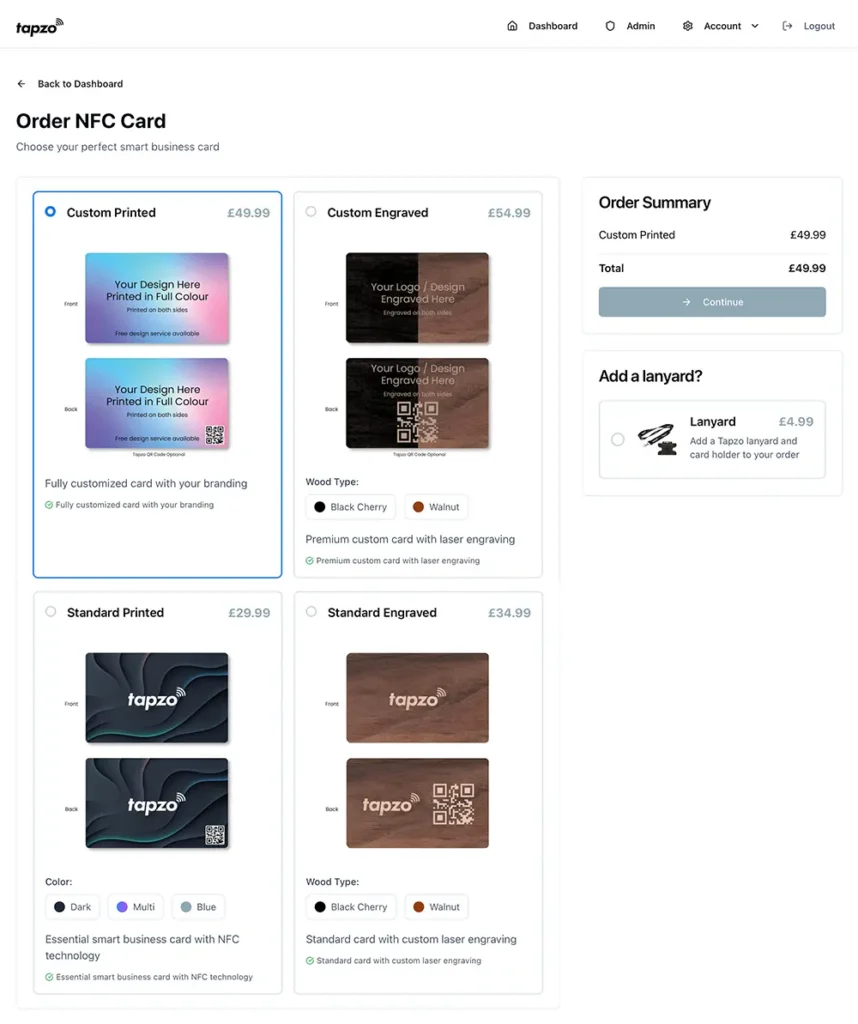
You will then be able to choose from four main NFC card options:

Custom printed
Custom engraved
Standard printed
Standard engraved

Please note: Standard NFC cards cannot be customised.

They are designed for users who want an affordable NFC business card and are happy to use a Tapzo card design.

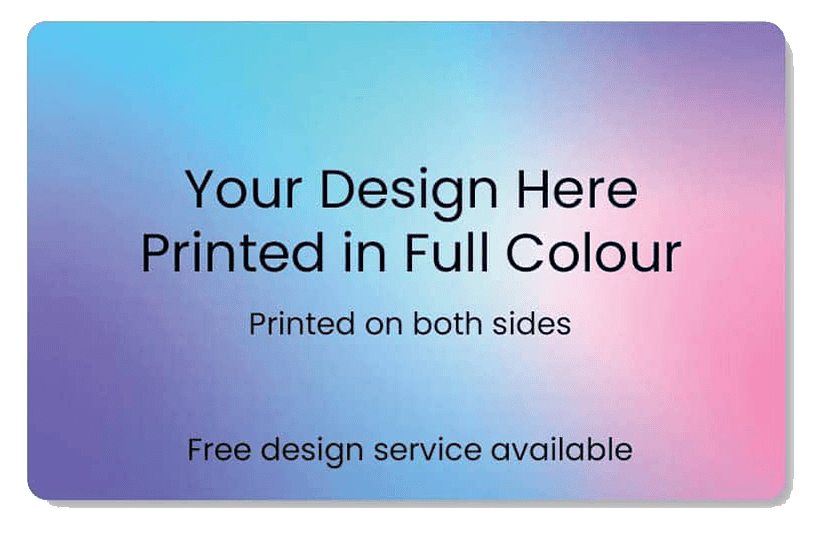
Custom Printed NFC Card

£49.99

This is our most popular option. A custom printed NFC card allows you to upload your own business card design, which will be printed directly onto the card.

This is best for individuals, teams, and companies who want their NFC card to match their own branding.

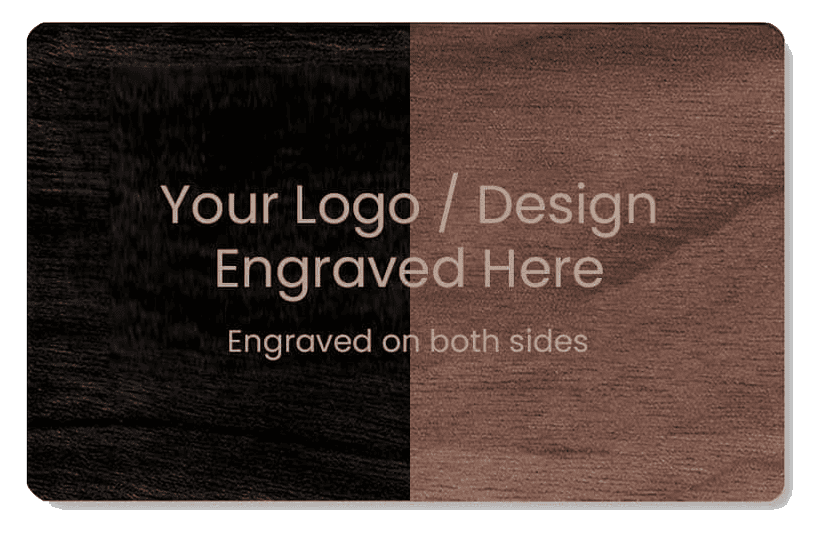
Custom Engraved NFC Card

£54.99

A custom engraved NFC card is a wooden NFC card where your logo is engraved onto the card.

This is a great option if you want a more natural, premium, or minimal look.

Available in Black Cherry or Walnut.

Note: Image shown is split between the Black Cherry and Walnut finishes to display both options.

Standard Printed NFC Card

£29.99

Standard printed NFC cards are a more affordable option. These cards use a Tapzo design and do not allow custom design uploads.

You can choose from a selection of preset colour options; Multi, Blue, Dark.

Note: Photo shows the ‘dark’ standard printed card.

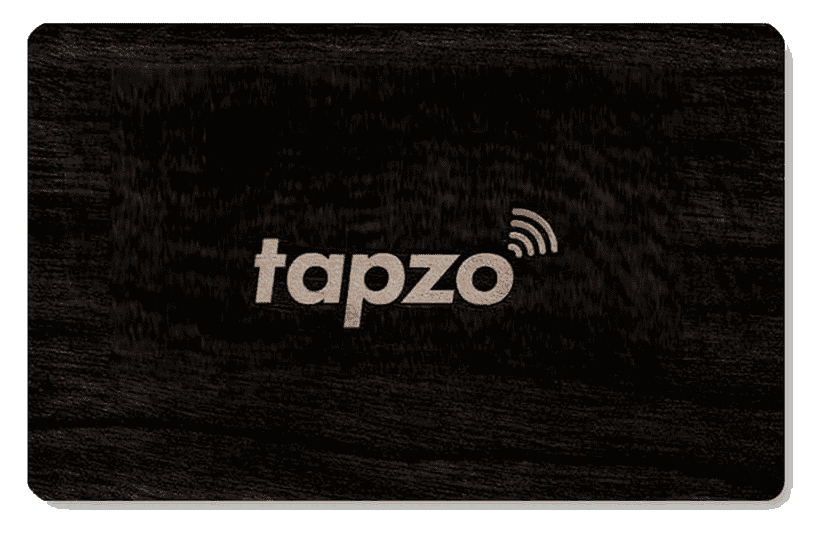
Standard Engraved NFC Card

£34.99

Standard engraved NFC cards are also a more affordable option. These cards use a Tapzo design and do not allow custom logo engraving.

You can choose from black cherry or walnut wood finish options.

Note: Photo shows the ‘black cherry’ standard engraved card.

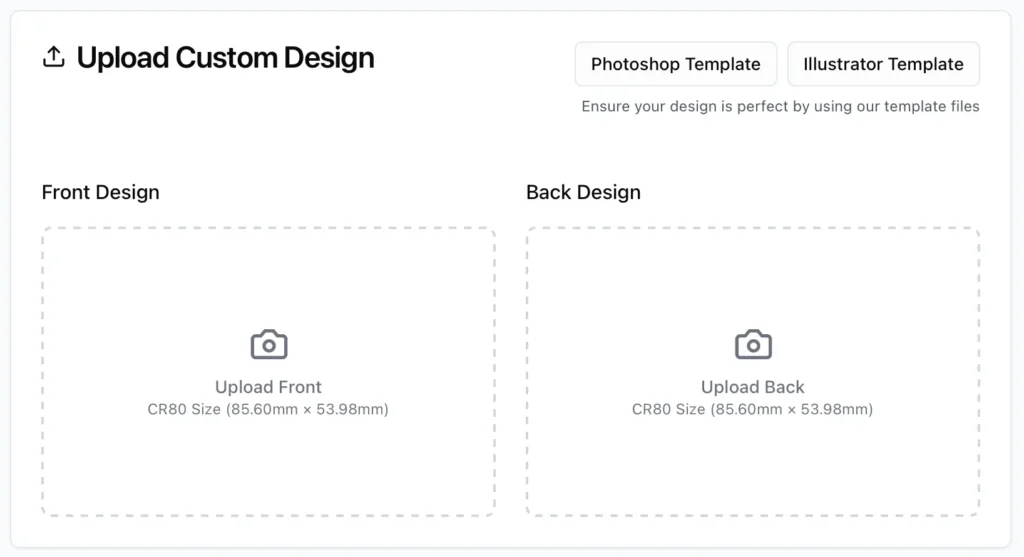
Step 3A: Upload Your Design for a Custom NFC Card

If you choose a custom NFC card, select the card type you want to order and upload your design files.

For custom printed cards, this will be your card artwork.

For custom engraved cards, this will usually be your logo file.

After your files are uploaded, you can continue to checkout.

Step 3B: Choose a Standard NFC Card Design

If you choose a standard NFC card, select your preferred design option.

For Standard Printed NFC Cards, you can choose from three colour options:

Multi
Dark
Blue

For Standard Engraved NFC Cards, you can choose from two wood finish options:

Black Cherry
Walnut

Step 4: Complete Your Order

Proceed through the checkout as normal.

Once your order has been placed, you will receive an order confirmation email. Your order will also appear in your Tapzo order history, so you can view it from your dashboard.

Step 5A: Approve Your Custom NFC Card Design Proof

If you ordered a custom NFC card, our graphic designers will review your uploaded design files.

You will then receive a digital design proof by email to review before your NFC card goes into production.

We aim to send all custom card design proofs within 24 hours.

Once you approve your design proof, your NFC card will move into production. When your card has been dispatched, you will receive a shipping notification by email.

Step 5B: Wait for Your NFC Card Delivery

If you ordered a standard NFC card, your order will go straight into production after checkout.

Once your NFC card has been dispatched, you will receive an email notification with the delivery update.

Ready to Order Your NFC Card?

Log in to your Tapzo dashboard or create a free account to order your NFC business card.

Your NFC card will be connected to your digital business card profile, giving you a simple and contactless way to share your details in person.