How to create a digital business card

Creating a digital business card is simple, takes less than 2 minutes on average, and could be the easiest networking upgrade you make today.

Is Tapzo digital business card free?

Yes.

Free accounts are free for life, with no credit card required for signup.

You can create a free digital business card and save a Tapzo design wallet card to your phone for free.

This lets you start sharing your digital business card for free.

For more control, users can upgrade to Pro to create and update their own custom Wallet card design anytime.

This makes Tapzo one of the most accessible ways to start using a digital business card and Wallet cards.

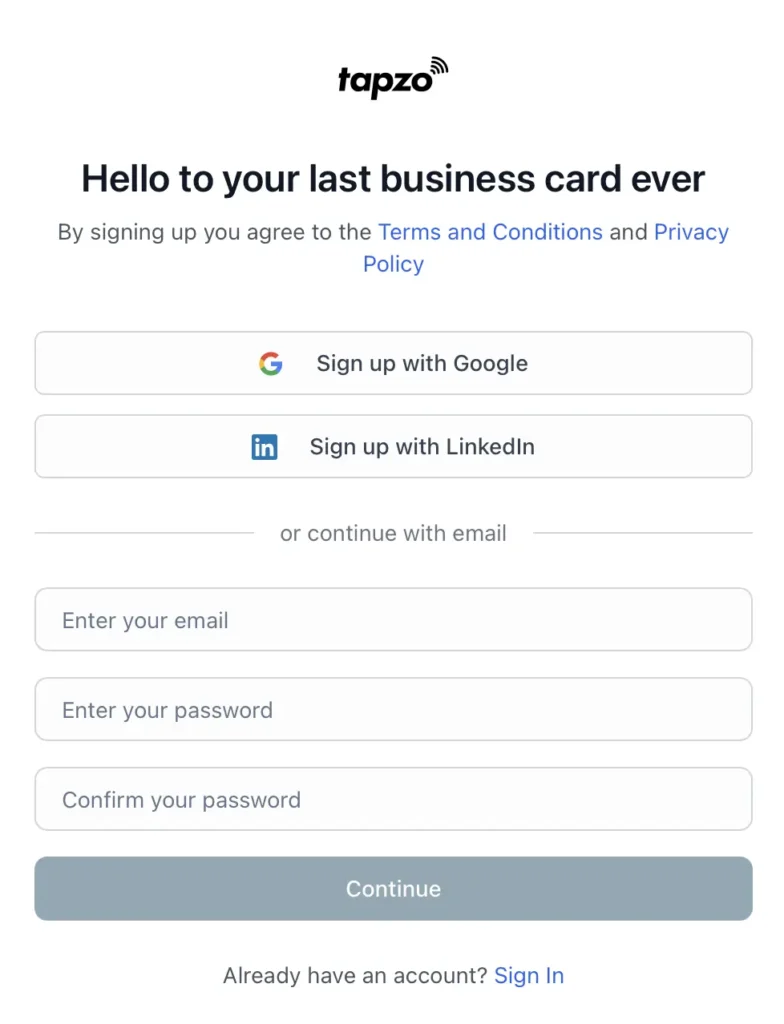
Step 1: Create your free for life account

You can signup using the following methods:

Email and Password
Google Account
LinkedIn Account

Signing up by Email? After signing up by email, you’ll receive a confirmation link. You’ll need to click it before you can sign in.

Step 2: Complete onboarding

When you first log in, onboarding will guide you through setting up your digital business card details and installing your free Apple or Google Wallet card to your phone.

A digital business card can hold far more than a printed card. With Tapzo, your digital business card profile can include the details people actually need after meeting you. Update your details anytime.

Name and bio
Company name and title
Phone numbers and email addresses
Phone numbers
Email addresses
Website links
Social media links
Profile and cover photo
Location or business address
Custom action buttons

Step 3: All done, you can start sharing

When you want to share your details:

Open Apple Wallet or Google Wallet.
Select your Tapzo Wallet card.
Let the other person scan the QR code.
Your digital business card profile opens on their phone.
They can save your contact, visit your links, or send their details back to you.

Step 4: Consider upgrading to Pro

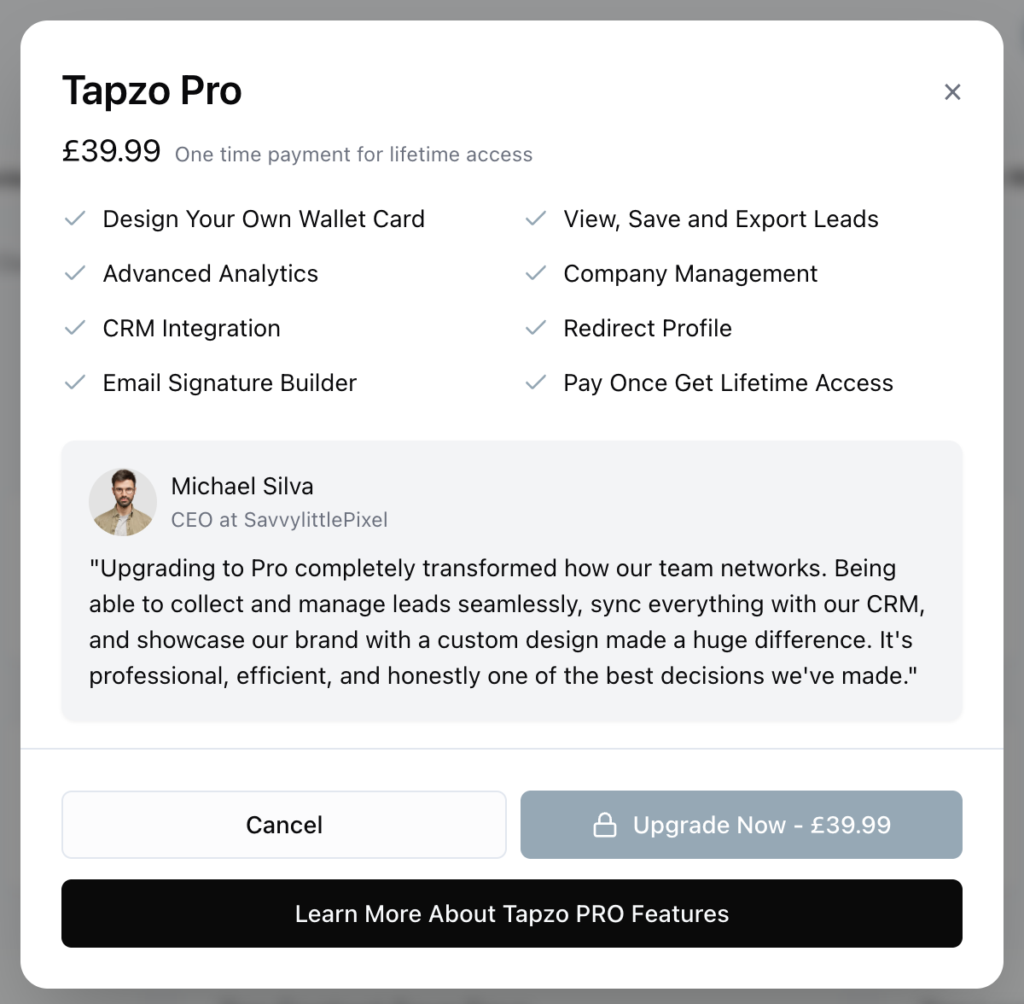
Unlock Pro for life with a one time purchase of £39.99. You can upgrade anytime from your dashboard and get access to features such as:

Create your own Apple / Google card design
Add your contact details, company info, links, socials, booking links, files, and anything else people need after meeting you.
View, save and export leads
Install your Wallet card and share directly from your Apple Wallet or Google Wallet.
Connect to CRM
Your profile opens on their phone where they can save your details direct to contacts, and send their details back to you.
Advanced analytics
People can open your profile on their phone, save your details to contacts, and send their own details back to you.
Email signature builder
People can open your profile on their phone, save your details to contacts, and send their own details back to you.
Setup and track redirects
People can open your profile on their phone, save your details to contacts, and send their own details back to you.

How to upgrade to Pro

From your dashboard, you can upgrade to Pro anytime by clicking on the ‘Unlock All Features’ button top right of your dashboard.

This will trigger the upgrade Popup to appear.

Click upgrade and proceed with payment. Once completed, you will be prompted to return to your dashboard where you will now have access to all Pro features.